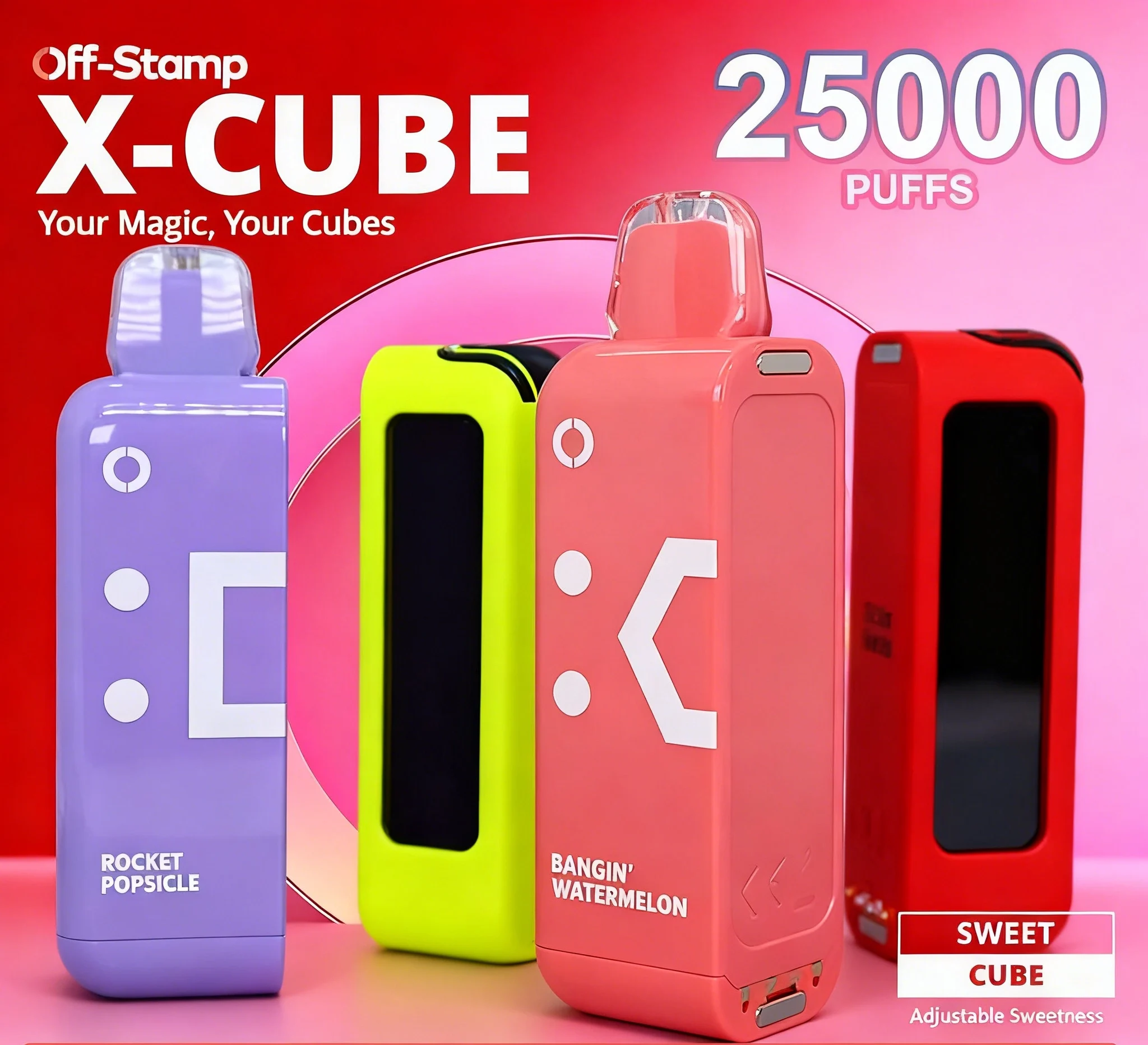
X Cube 25K Kit
New battery base + 25,000-puff pod · USB-C
$22.99
Shop kit →
Hardware reference
Standard USB-C — meaning any phone-grade cable you already own works. Here's the cable that ships with the kit, what counts as a safe replacement, and what to avoid.
Every Off Stamp X Cube Kit (both 25K and Crystal 35K) ships with a short USB-C cable — roughly 8 inches, USB-A on one end, USB-C on the device end. The cable is rated for 1A+ and works with any standard USB-A wall adapter (phone-grade).
Plug the included USB-C cable into the rechargeable battery base — the magnetic charging dock that every pod snaps onto — and connect the other end to any standard 1A+ USB port. The LED stays lit while charging and goes solid when full; a full charge from empty takes about 45 minutes. You can charge with the pod attached or removed — the pod itself has no port, all power lives in the base.
| Spec | Requirement |
|---|---|
| Connector (device end) | USB-C, standard 24-pin. |
| Connector (power end) | USB-A is fine; USB-C-to-USB-C also works with a USB-C wall adapter. |
| Current rating | 1A or higher. |
| Cable length | Any standard length. The included 8-inch cable is convenient for travel. |
| Data lines | Not required (the Cube device only consumes power). "Charge-only" cables work. |
Short answer: you can't — and you don't need to. On the X Cube there is no separate pod charger. The rechargeable battery lives inside the Reusable Charging Device (the base), and the magnetic pod draws its power from that base. So you always charge the device base over USB-C, with the pod attached or not; the pod alone has nothing to plug into. If you only have refill pods and no base, you'll need an X Cube Kit — the kit includes the reusable charging base that every magnetic pod snaps onto.
No — and this is the most common mix-up. The edition name describes the pod family, not a charger. Classic, Sweet and Ice pods all snap onto the X Cube 25K base, while Crystal pods run on the Crystal 35K base. Both bases take the same standard USB-C cable, so an Off Stamp Classic Cube charger and an Off Stamp Crystal Cube charger are the same thing: a phone-grade USB-C cable into the reusable battery base. There is no edition-specific charger to hunt down, and no separate Ice Cube or Sweet Cube charger either — if a cable charges one Off Stamp base, it charges the other.
Most "won't charge" reports trace to one of three causes:
Every Off Stamp base charges over the same standard USB-C, so a base that will not wake on a phone cable that charges everything else has a worn cell, not a cable problem. The replacement is a fresh kit — the base ships with a full pod, and every later refill is pod-only.
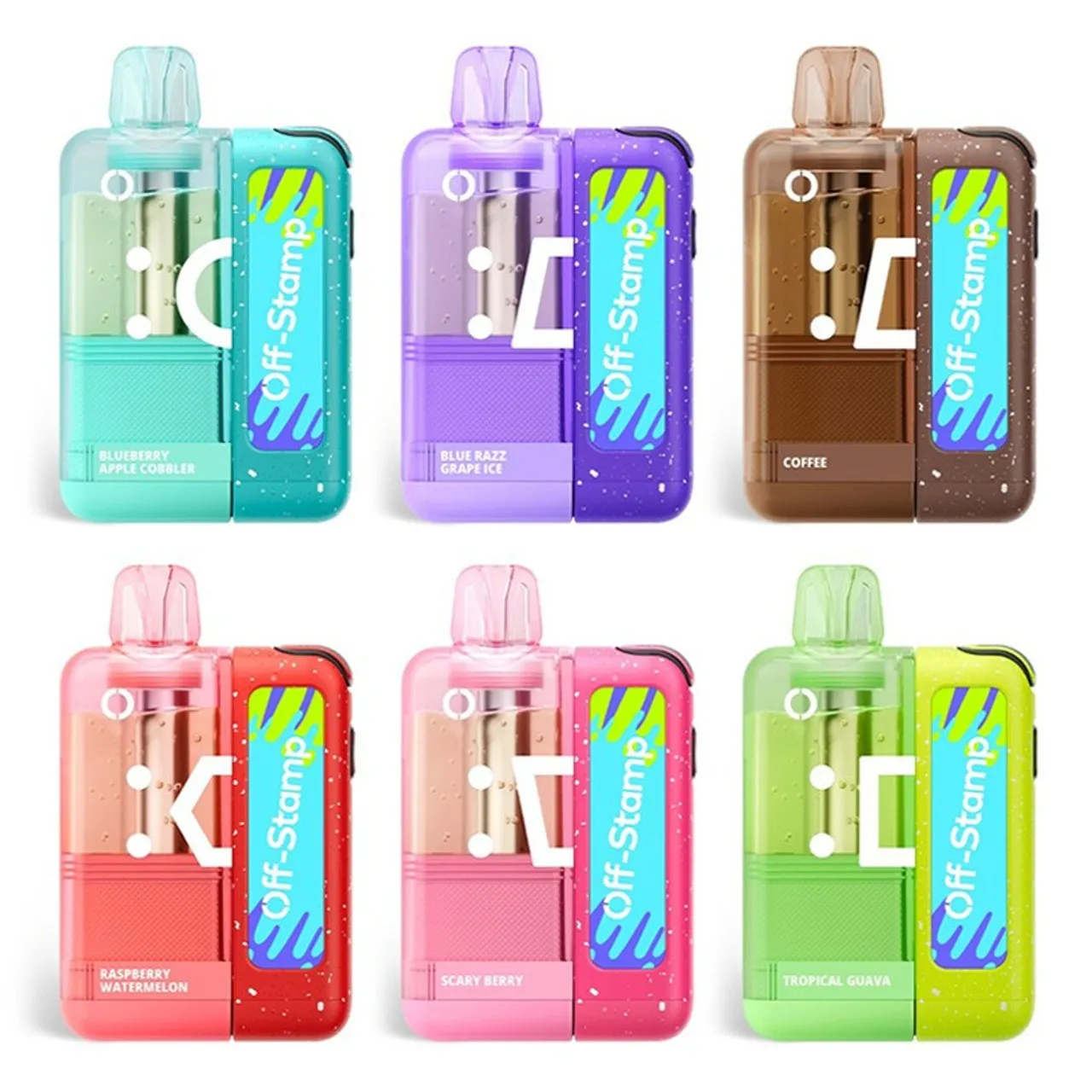
Direct from our Stockton, CA warehouse, ships within one business day, 21+ verified once.
Wondering where to buy a replacement Off Stamp charger? For the cable itself, you don't need us — any standard USB-C cable from a phone-accessory aisle works (Apple, Anker, Belkin, Amazon Basics all do). Phone-grade is fine; you do not need a "fast charging" or "USB 3.2 Gen 2" cable. If it's the charging base itself you're after, that's the Off Stamp battery — it ships inside every X Cube Kit.
21+ only. Off Stamp products contain nicotine. Nicotine is an addictive chemical.
Once you are charged, restock at the Off Stamp Vape store, pick your next pod from the flavor catalog, or find a charger and pods in person through our off stamp vape charger near me guide.
Are you 21 or older?
Off Stamp Vape products contain nicotine. You must be of legal age to enter this site.
Please enter your email or phone number so we can look up your account and help you faster.
Please enter your email address.