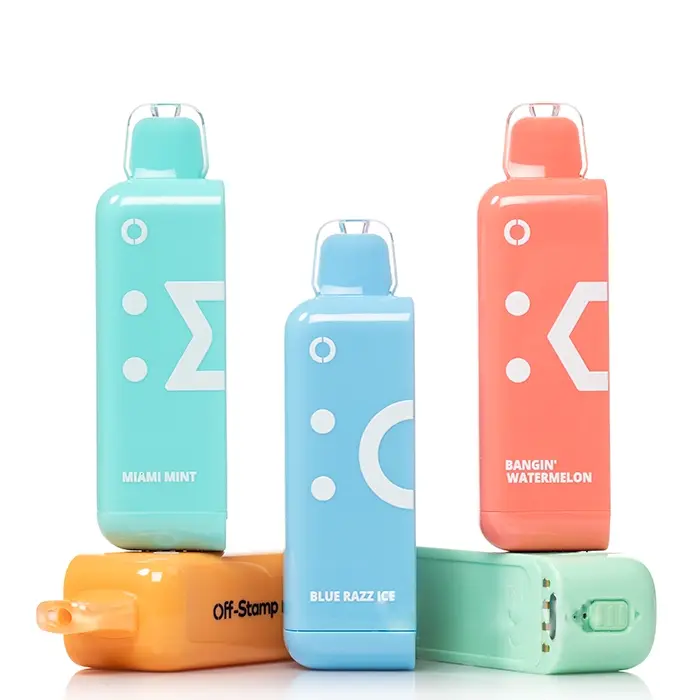
25K Replacement Pod
44 flavors · fits the 25K Cube base
$19.99
Shop pod →
User guide
Five-minute setup, then most of the work is just recharging. Everything on how to use the X Cube 25K and the Crystal Cube 35K — from unboxing through replacement-pod swap. The same Crystal Cube instructions apply to both lines; where the two devices differ, the step calls it out.
Every Off Stamp Kit ships with: the Cube device, one pre-filled pod (either Classic 25K or Crystal 35K), a USB-C cable, and a quick-start card. Inspect the device for damage on arrival — the chassis should be smooth, no visible cracks; the pod connector should be dry; the indicator LED should briefly flash when you plug in the cable.
The pod's magnetic connector aligns automatically — there's no "wrong way" to install. Press firmly until you feel the magnets click in. The pod should sit flush with the device, no gap visible.
Crystal device users: only Crystal 35K pods fit your Splash device. The 25K Cube pods will not engage.
25K Cube device users: only 25K Cube pods fit. Crystal pods will not engage.
There is no power button. Off Stamp devices are draw-activated — the only way to turn on an Off Stamp vape is to inhale through the mouthpiece, and the built-in sensor fires the coil. The same applies when you turn on the Off Stamp battery on its own after a pod swap. To turn off an Off Stamp vape, just stop drawing: the battery drops into sleep mode on its own within a few seconds to save power. Take a slow, steady mouth-to-lung draw for 2–3 seconds. The first 3–5 draws may taste slightly weak as the wick saturates; flavor stabilizes by draw 6 or 7.
Connect the included USB-C cable to any standard 1A+ phone-grade USB port — cable specifics and replacements are on the Off Stamp charger page. The device's LED illuminates while charging — solid color when charged, blinking when low. Full charge from empty takes about 45 minutes. Fast-charging (PD/QC) chargers work but provide no benefit; the controller caps draw at ~1A regardless.
When the pod's e-liquid is finished, the device will start delivering noticeably weaker flavor with a slight burnt edge. That's the cue to swap the pod — the device itself is still good for many more pods.
To swap: pull the empty pod straight off, snap on the new one. Discard the empty pod in a designated battery-recycling stream (the pod has a small heating coil even when the liquid is consumed).
| Symptom | Likely cause | Fix |
|---|---|---|
| Weak hits early | Wick not saturated | Take 3–5 priming draws; flavor builds. |
| No airflow at all | Air intake blocked or pod not seated | Re-seat pod; check intake holes near the base. |
| Burnt taste before puff count | Chain-vaping (draws too close together) | Wait 10–15 seconds between draws. |
| Won't charge | USB-C cable not seated, or charger low power | Try a different known-working USB-C cable. Use a 1A+ phone-grade USB port. |
| Leaking through mouthpiece | Temperature shock (cold device → hot car) | Wipe mouthpiece; let device warm. Persistent leaks → email support. |
The X Cube screen shows a Pod Error message with a type number when the battery cannot register the pod that is attached to it. Depending on the unit you may see Type 1, Type 2 or Type 3, a smaller number of users report a Type 5 (shown as "Type V" on some screens), and some batteries show a plain Reconnect Pod prompt instead of a numbered code. People write these codes both ways when searching — Off Stamp pod error Type III and "pod error type iii" mean the same thing as Type 3, and Type II is the same as Type 2; the Roman-numeral spelling does not indicate a different fault. Off Stamp does not publish a code table that assigns a separate meaning to each number, and neither does any device manual we have seen. Anyone who tells you Type 2 means one specific fault and Type 3 means another is guessing.
What the numbers do have in common is the failure itself: power or data is not passing cleanly between the pod contacts and the battery contacts. That is why the same short fix sequence clears Type 1, Type 2 and Type 3 in most cases, on both the Classic Cube 25K and the Crystal Cube 35K.
| Screen shows | Also searched as | What it means | Fix | Part to replace if it persists |
|---|---|---|---|---|
| Pod Error Type 1 | pod error type 1 off stamp, Type I | The battery cannot register the pod — a contact fault, not a flavor or liquid fault. | Reseat the pod, clean both contact sets, charge 15 minutes, test a second pod. | The pod; the base is reusable. |
| Pod Error Type 2 | pod error type 2 off stamp, Type II | Same contact fault. Off Stamp publishes no separate meaning for the number. | Same sequence. | The pod. |
| Pod Error Type 3 | off stamp pod error type 3, pod error type iii, type 3 error off stamp | Same contact fault — the code readers report most often, on both the 25K and Crystal 35K. | Same sequence. | The pod; if every pod errors, the battery base. |
| Pod Error Type 5 | off stamp pod error type v, pod error type v off stamp | Same contact fault, reported on a small number of units. | Same sequence. | The pod. |
| Reconnect Pod | off stamp reconnect pod | The battery keeps losing contact — a pod sitting at an angle or condensed liquid on the pads. | Pull straight off, wipe the pads, press down until it clicks flush. | The battery base if a known-good pod still fails. |
If the error clears with a different pod and your original pod is within 14 days of delivery, email service@offstampvapeusa.com with your order number for a replacement. Replacement X Cube 25K pods and off stamp battery replacement are both sold separately, so you do not have to replace the whole kit.
A Crystal Cube that is not hitting but shows no Pod Error is usually a different problem. The X Cube is draw-activated, so there is no button to press: if nothing happens on a pull, work through blocked airflow first (check the intake holes near the base), then a saturated wick on a brand-new pod, then battery charge. The light patterns on the battery tell you which one it is — see Off Stamp battery indicator light meanings for what each blink pattern signals.
Deeper issues (blinking light won't stop, device hot to touch, flavor consistently weak from a fresh pod) — see the Help page or email service@offstampvapeusa.com with your order number.
Pod Error Type 1, 2 and 3 are all pod-side contact faults on the X Cube. If reseating, cleaning the pins and a second attempt still throw the error, the pod is the part to replace — the battery base is reusable and does not need to go. Pick the pod that matches your base:
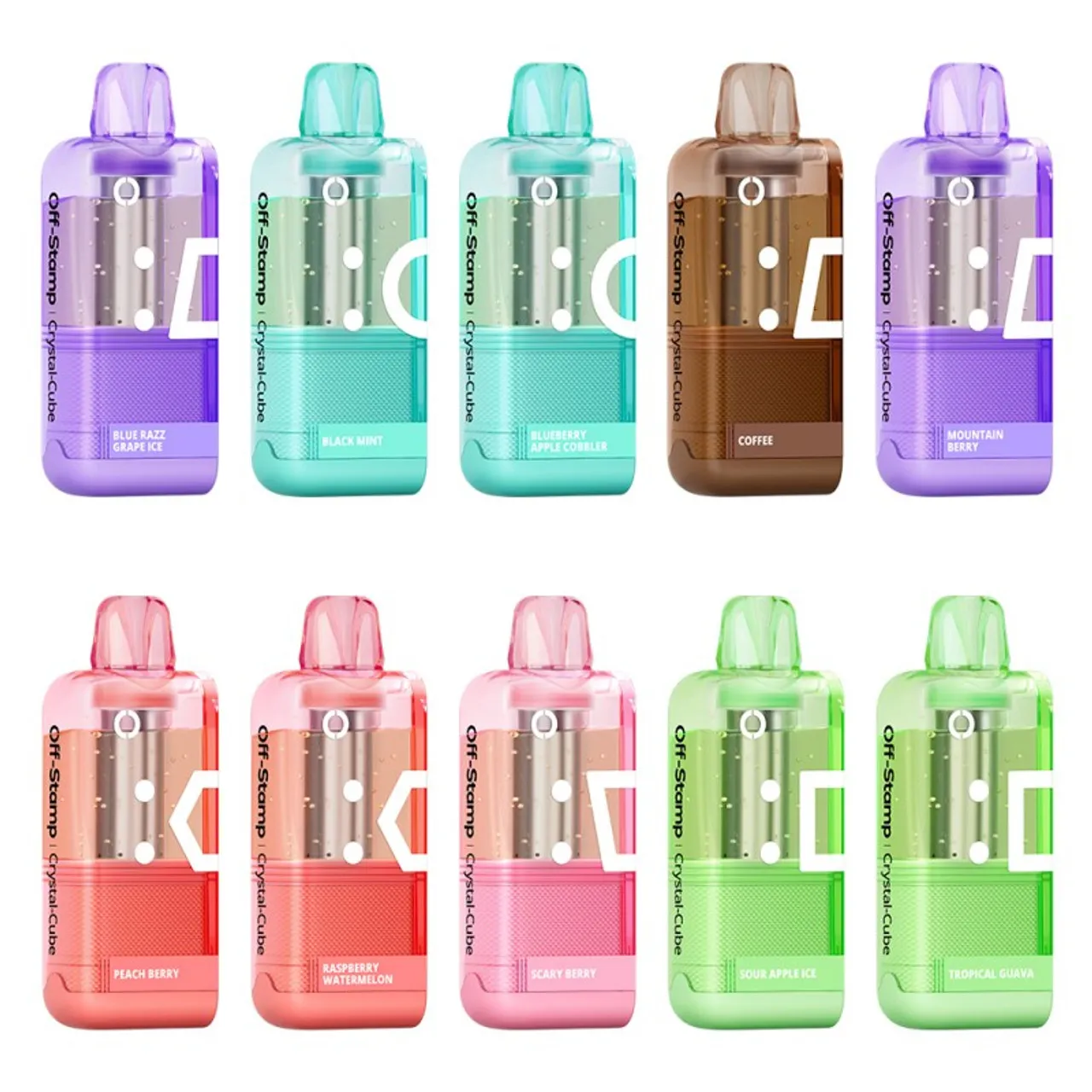
Crystal pods fit only the Crystal 35K base; Classic, Sweet and Ice pods fit only the 25K base. Ships within one business day from Stockton, CA.
It means the X Cube battery cannot register the pod attached to it. Off Stamp does not publish a code table that gives Type 2 its own separate meaning, so treat it the same as Type 1 and Type 3: reconnect the pod, clean both sets of contacts, charge the battery for 15 minutes, then test a second pod.
Same sequence as the other pod errors. Pull the pod straight off and press it back until it clicks flush, wipe the contact pads on the pod and in the battery well with a dry swab, charge for 15 minutes, then try a known-good pod. If every pod throws the error, the battery is at fault rather than the pods.
Lift the pod straight up off the battery rather than twisting it, check that the contact pads are dry and clean, then align the pod with the battery well and press down until it clicks and sits level. The screen should light up and register the pod within a second or two.
If there is no Pod Error on screen, check the air intake holes near the base for a blockage, take three to five priming draws on a fresh pod to saturate the wick, and confirm the battery is charged. The X Cube is draw-activated, so there is no power button to switch on.
It is the same underlying fault as Type 1 and Type 2: the battery cannot pass power cleanly through the pod contacts. Off Stamp has never published a table that gives Type 3 a separate meaning. Reconnect the pod, wipe both sets of contacts with a dry swab, charge the battery for 15 minutes, then test a second pod.
The Reconnect Pod message means the battery keeps losing contact with the pod. The usual cause is condensed e-liquid on the contact pads or a pod sitting at a slight angle. Pull the pod straight off, wipe the metal pads on the pod base and in the battery well, then press the pod back down until it clicks flush. If the message returns with a known-good pod, the battery's contact pin is likely damaged.
There is no reset button or hidden button combination on an Off Stamp battery. The closest thing to a reset is a power cycle: pull the pod off, plug the battery into its USB-C cable for a minute so the screen wakes, then reconnect the pod. Because the device is draw-activated, it clears its state on its own once you stop drawing.
A small number of users see a Type 5 (or Type V) screen. Like the other numbers, Off Stamp has not published a meaning for it, and it clears with the same sequence: reseat the pod, clean the contacts, charge for 15 minutes and try a second pod.
Yes. The battery charges through a standard USB-C port, so any phone-grade USB-C cable with a 1A or stronger adapter will charge it — there is no proprietary dock. Only the battery holds a charge; the pods themselves are never plugged in.
No. Off Stamp pods are sealed and pre-filled, so there is nothing to refill an Off Stamp Crystal Cube or 25K pod with. When the flavor fades, pull the empty pod straight off and snap on a new pre-filled one — replacement pods cost less than a full kit because the rechargeable battery stays with you.
21+ only. Off Stamp products contain nicotine. Nicotine is an addictive chemical.
New to the X Cube? Order your first device on the Off Stamp Vape store, choose a starter pod from the off stamp flavors list, or pick one up nearby with our near-me finder.
Are you 21 or older?
Off Stamp Vape products contain nicotine. You must be of legal age to enter this site.
Please enter your email or phone number so we can look up your account and help you faster.
Please enter your email address.